Decide who sees what
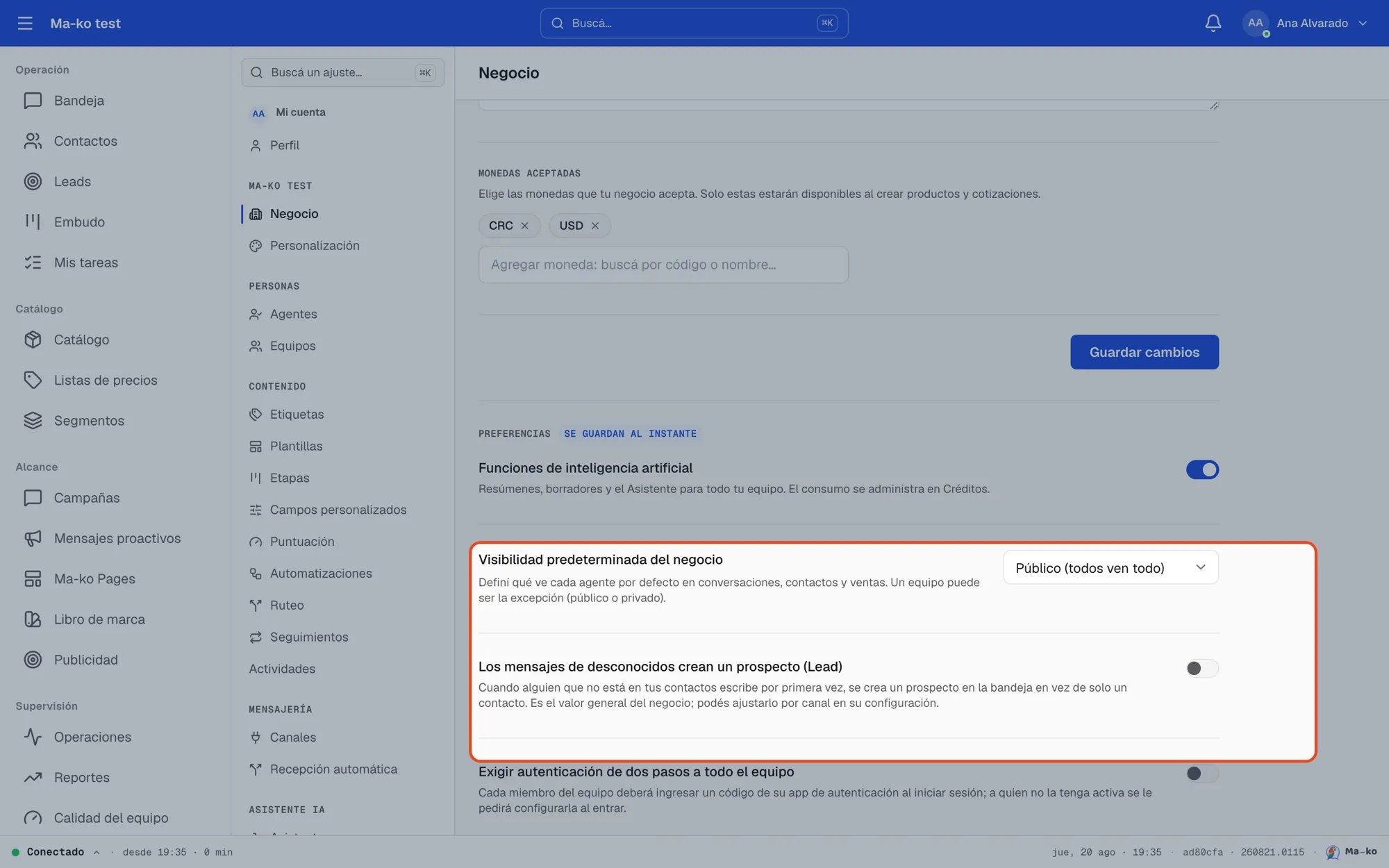
Business visibility is a single decision that applies evenly to conversations, contacts and sales.
Before you start
Section titled “Before you start”-
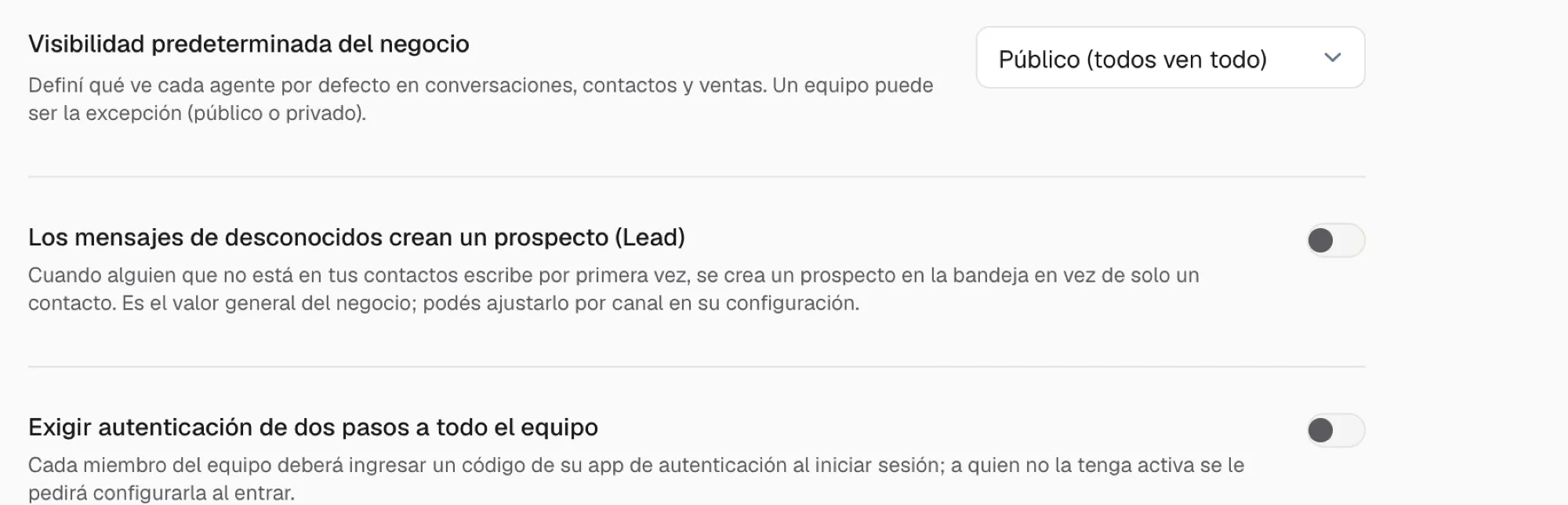
Open Settings → Business. Scroll to Customer and sales visibility and, below it, Inbox visibility.
-
Pick the mode for customers and sales. It governs contacts, leads, deals and quotes. Three options: Public (everyone sees everything) — the starting default, ideal for small teams; Their team only — each agent sees their teams’ work, plus what’s assigned to them; Assigned only — each agent sees their own and, in the inbox, what nobody on their teams has picked up yet (so they can take it); what a teammate already has stays hidden. The change saves immediately.
-
Pick the mode for the inbox. Right below, Inbox visibility, with the same three options plus Same as customers and sales, which is how it ships. Use it to open the inbox without opening sales, or the other way around: everyone sees only their own sales, while anyone on the team can pick up what comes in.
-
Set per-team exceptions (optional). In Settings → Teams, each team can set its own visibility: Inherit from business, Public or Private. The team’s exception wins over the general mode.